Connect Account
In general, sending messages to programs, including uploading them on-chain, requires a connected Vara account with enough tokens for gas fees.
To start using the IDEA portal, click the Connect button at the top right, select a wallet, and choose an account. If you don't have an account yet, refer to the next article.
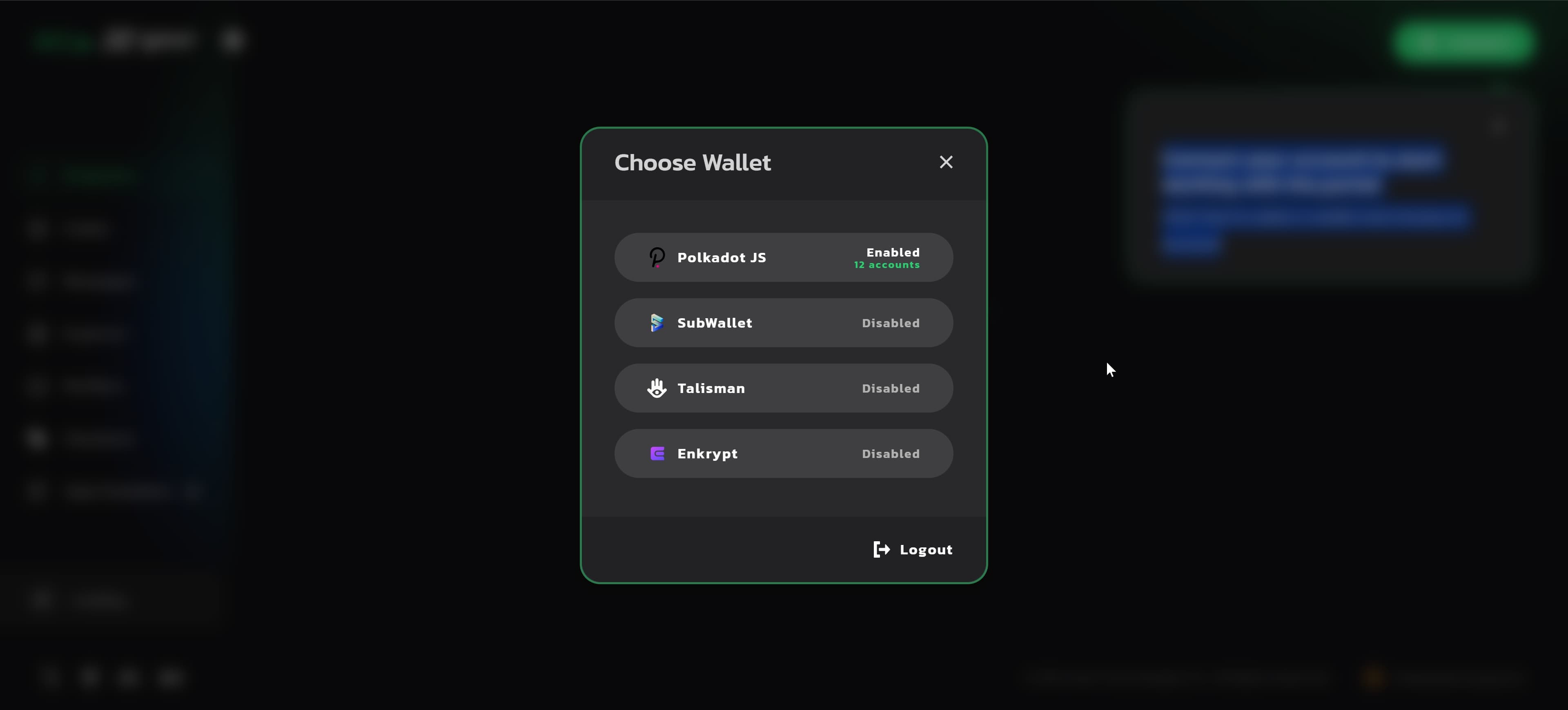
You can easily switch between your accounts and supported wallets via the currently connected account button.
Get free VARA
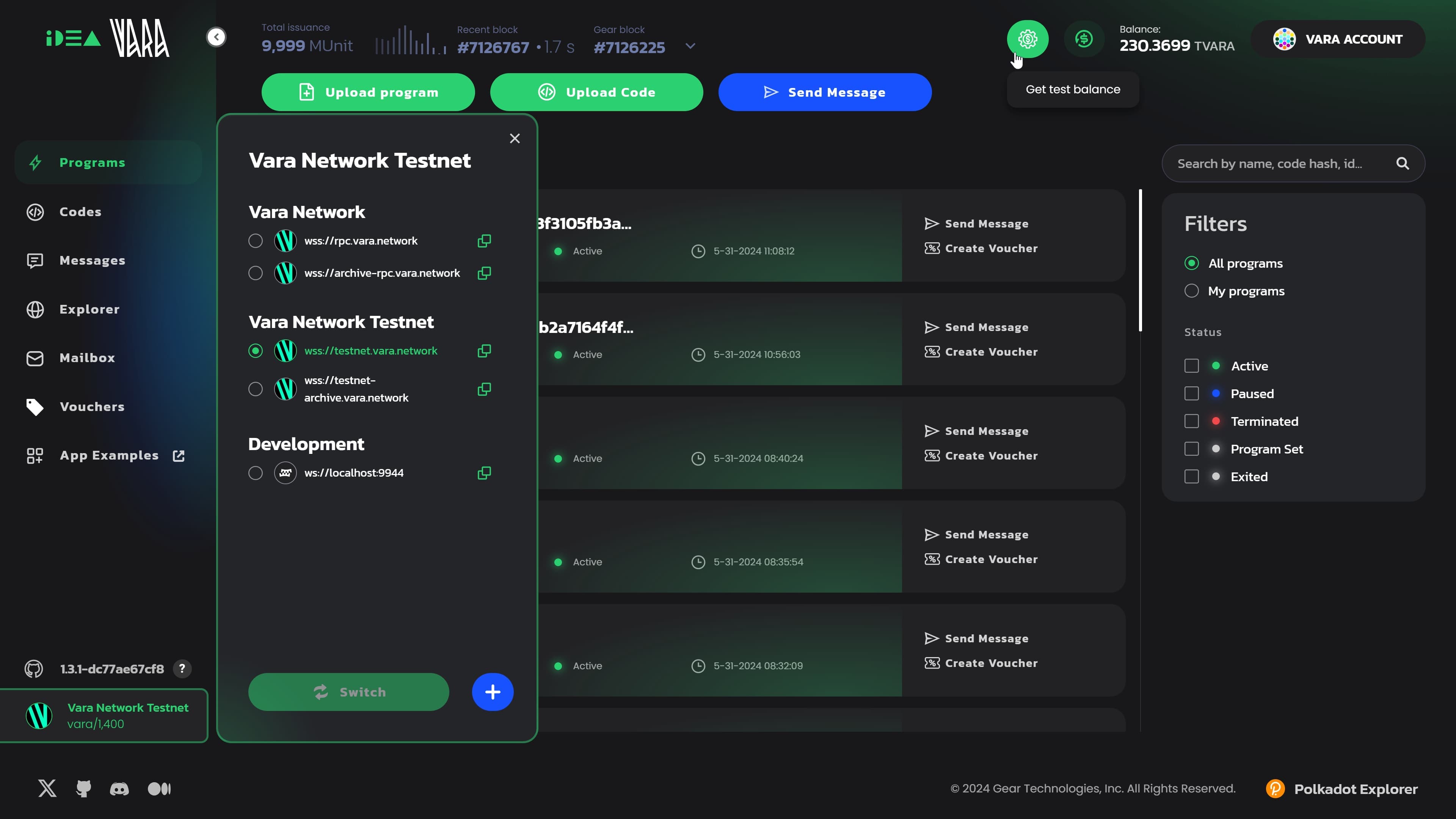
Every developer gets a one-time grant of 100 VARA per wallet, directly on Vara Mainnet. Click the Get Balance button, solve the captcha, and the tokens will appear in your balance. That is enough to deploy a program, test it and cover your first transactions - real network, real conditions, nothing to pay to start.
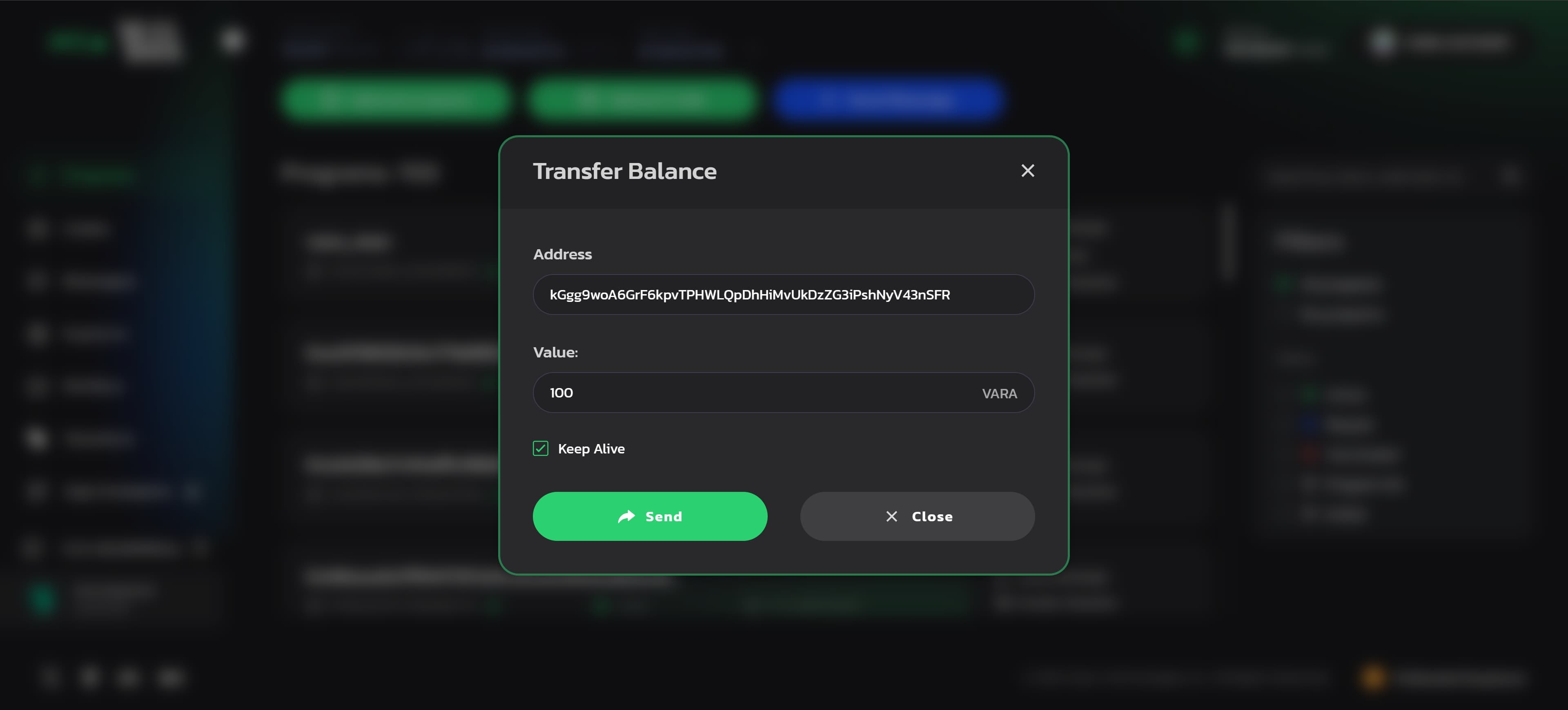
Transfer balance
The Transfer Balance option allows you to transfer VARA tokens from the currently connected account to any other specified account. Specify the account address in Vara or HEX format, the amount of tokens, and sign the transaction.